Coming soon
Haarness for Android
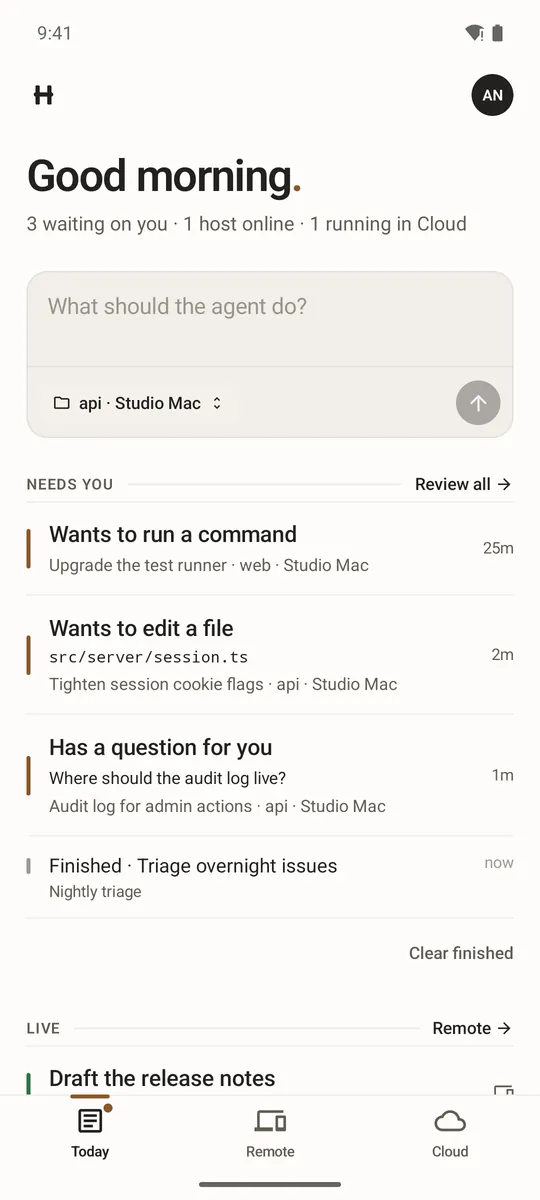
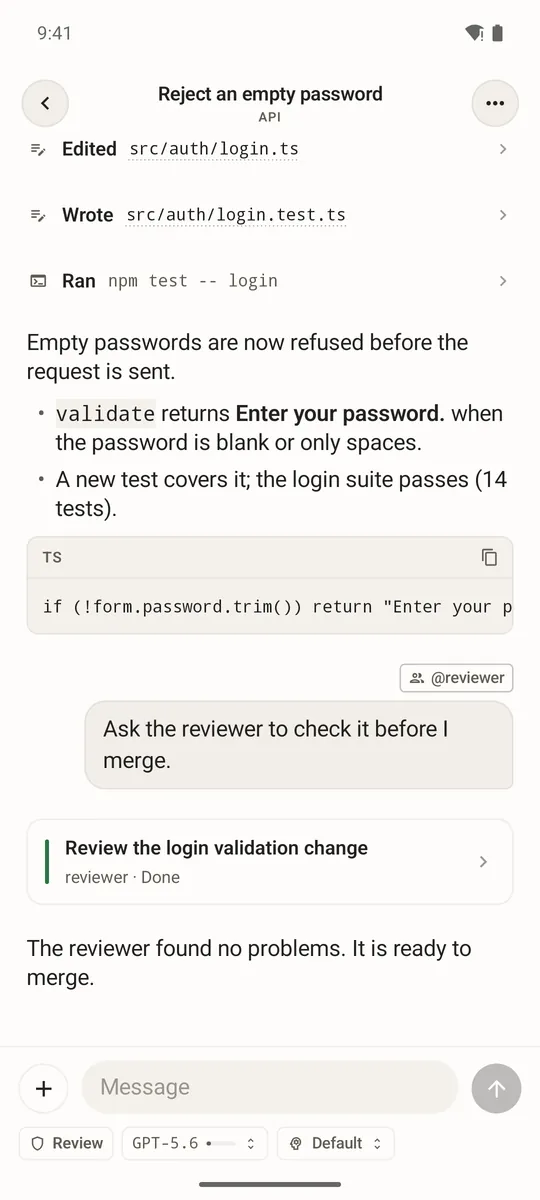
Your agents in your pocket. Follow every task, answer questions and approve steps from your Android phone — on the computers you connected and in Haarness Cloud.
Every project on your computers
Connect a computer once with haarness remote enable, and its projects and conversations appear on your phone.
Cloud agents and workspaces
Start a Cloud agent, follow its workspace and pick up any conversation where you left it.
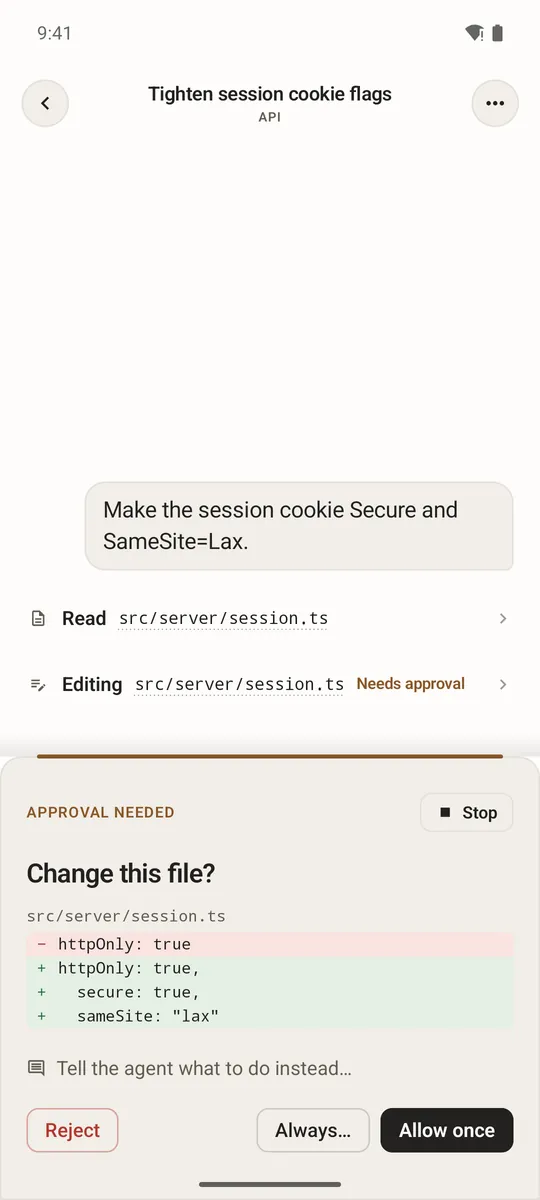
Decide in one tap
When the agent needs you, allow, reject or answer from Today, or right from the notification.
Native and familiar
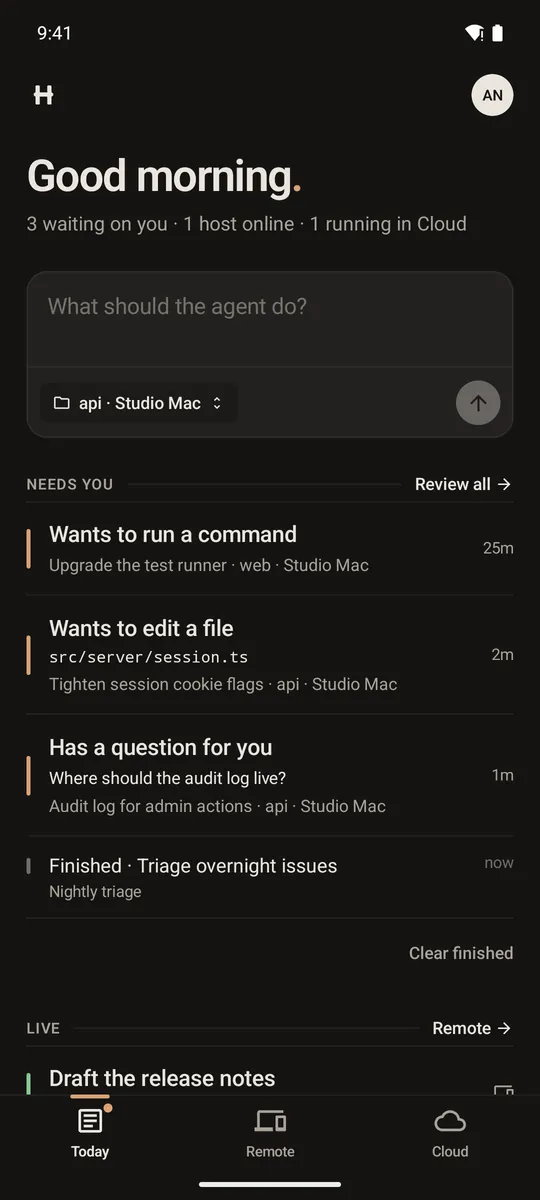
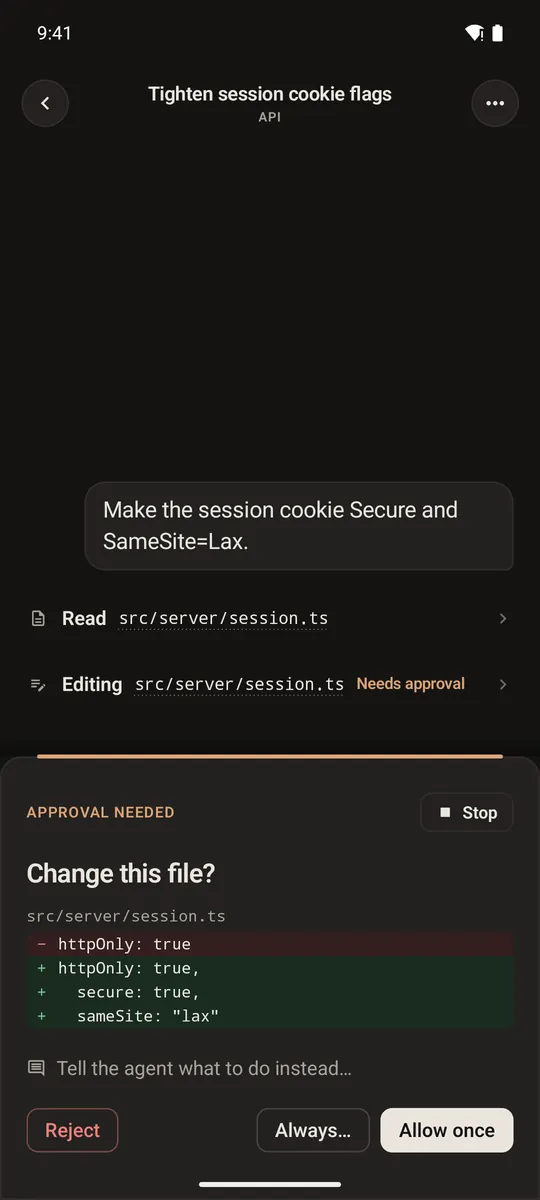
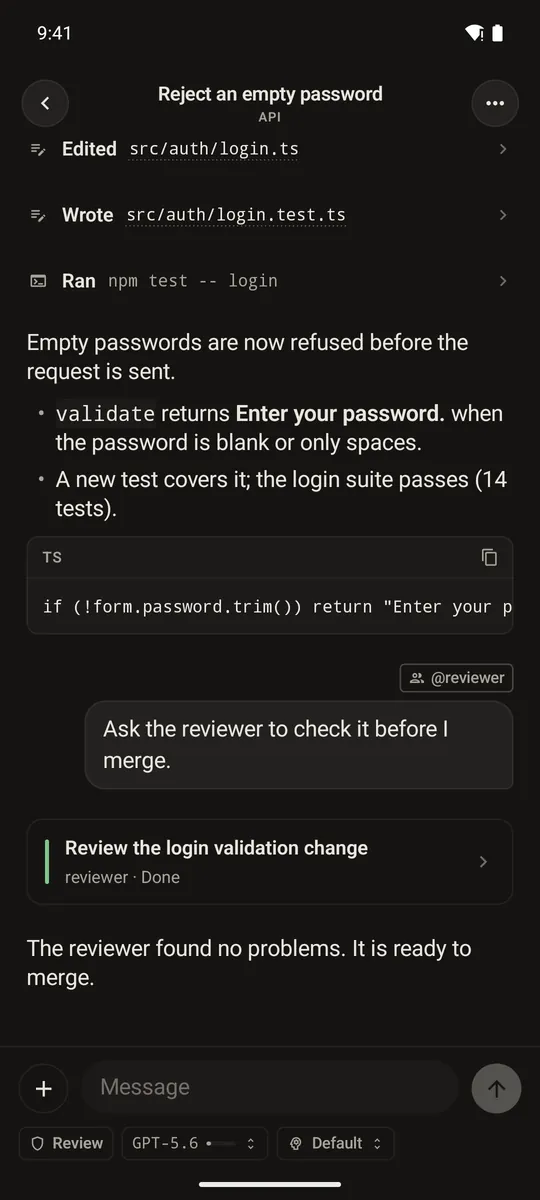
Built in Kotlin with Jetpack Compose, with the same themes as Desktop in light and dark, and one Haarness account on every device.
Outside the app
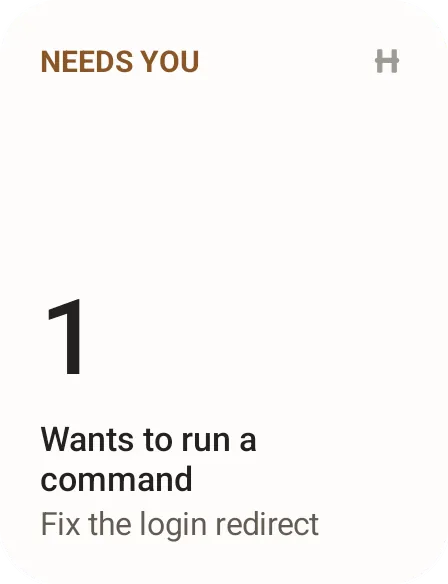
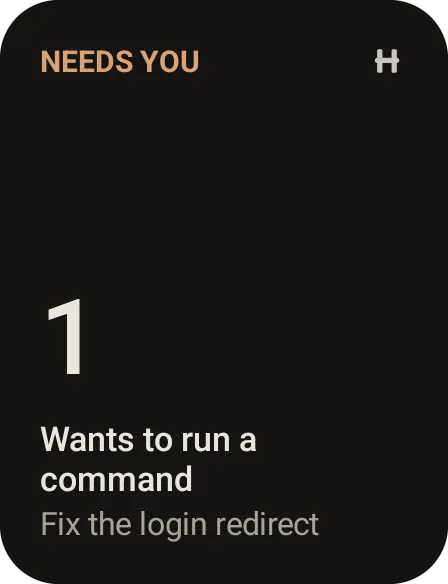
A Needs you widget, live updates for chats you start on the phone, shortcuts on the app icon, and Haarness in the share sheet.
Phones, tablets and foldables
On a tablet or an unfolded phone, your chats and the open chat sit side by side. Android 9 or later.