Open-source AI coding agent.
Haarness reads your code, makes the change, runs your tests and shows you every step.
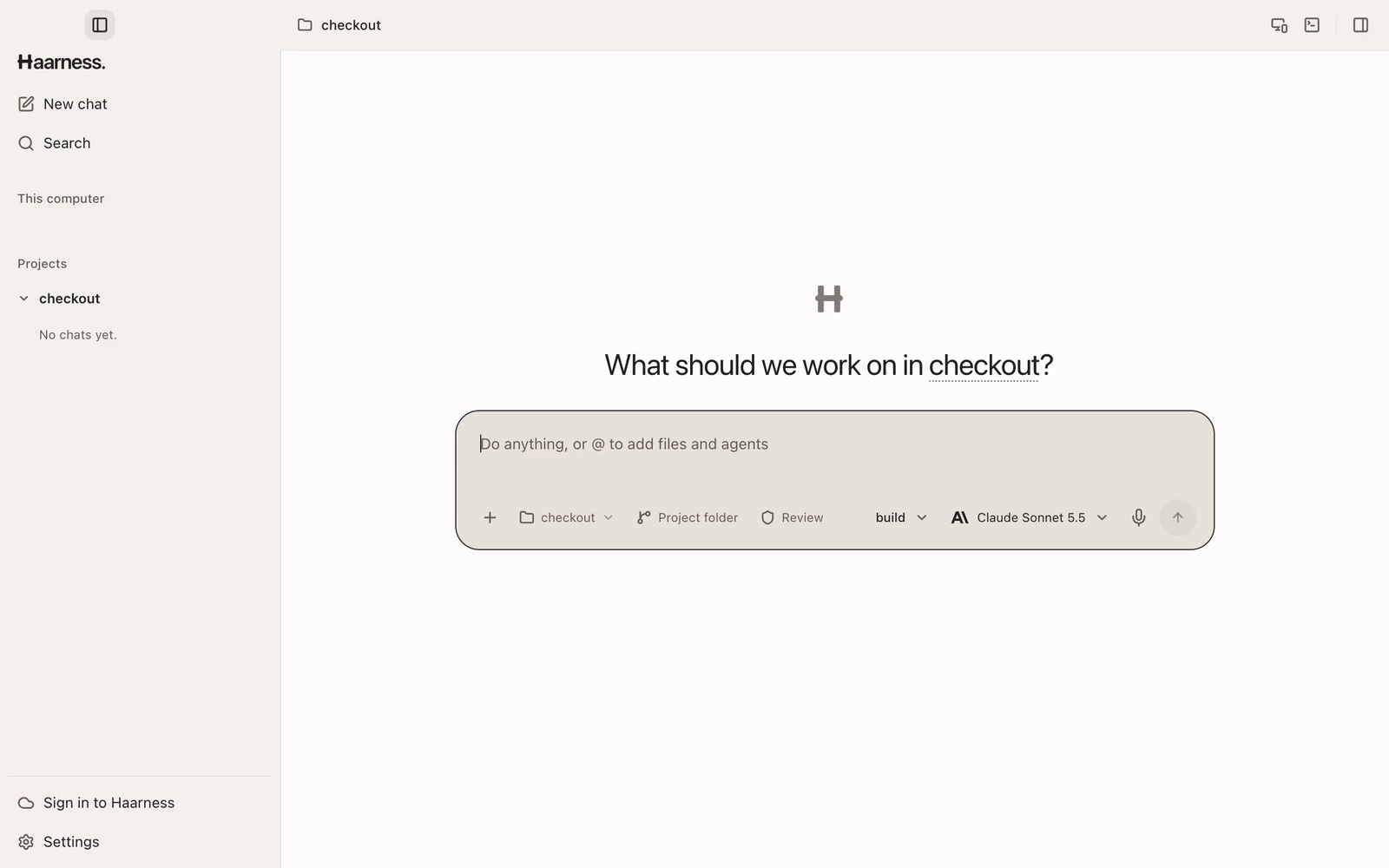
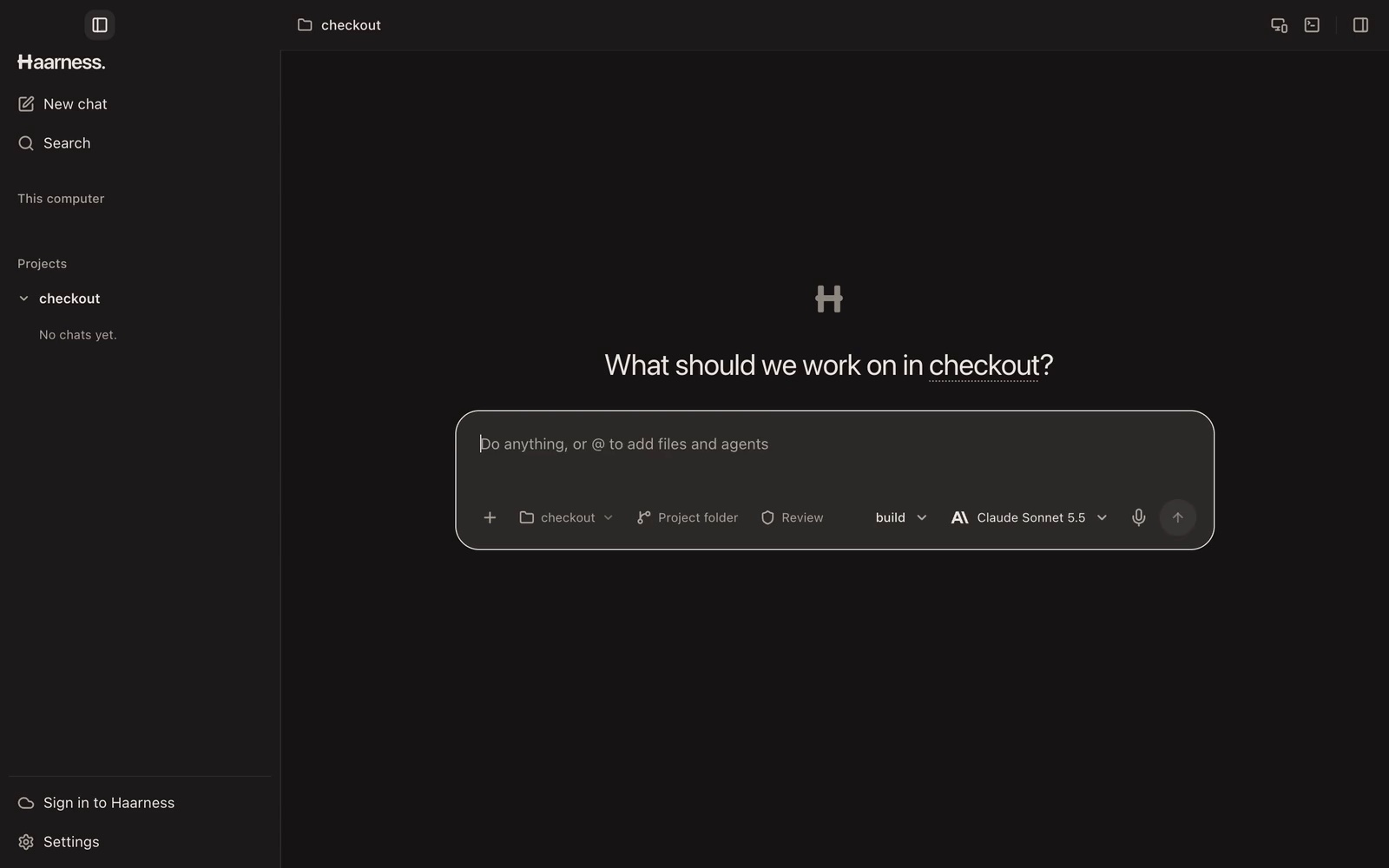
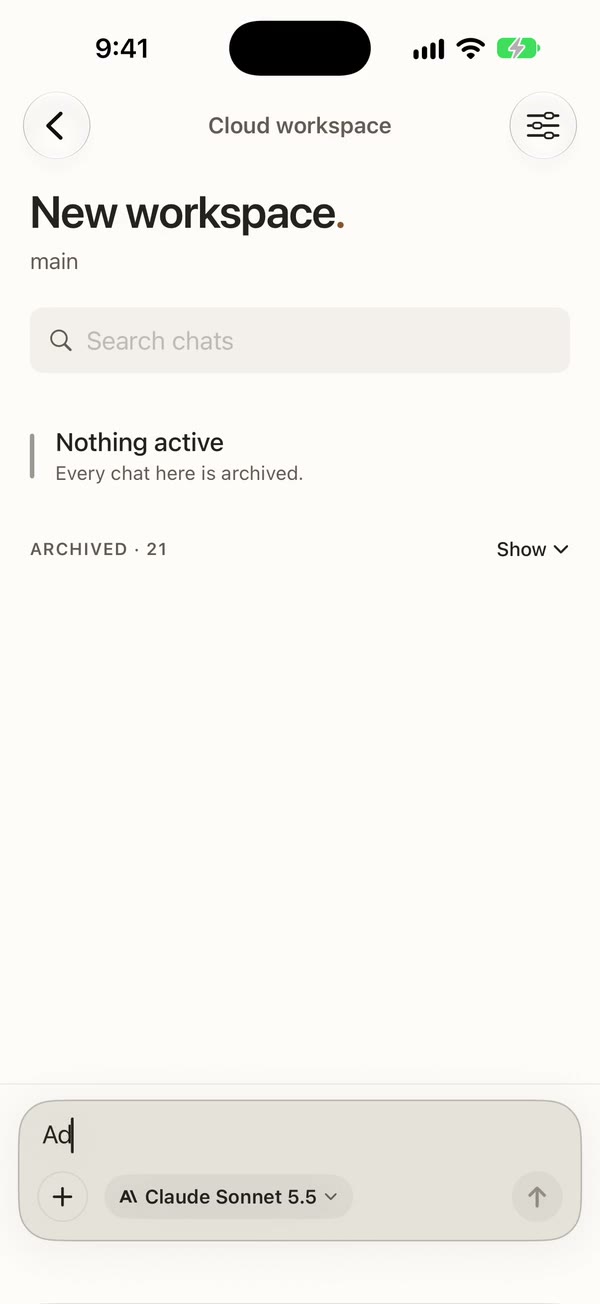
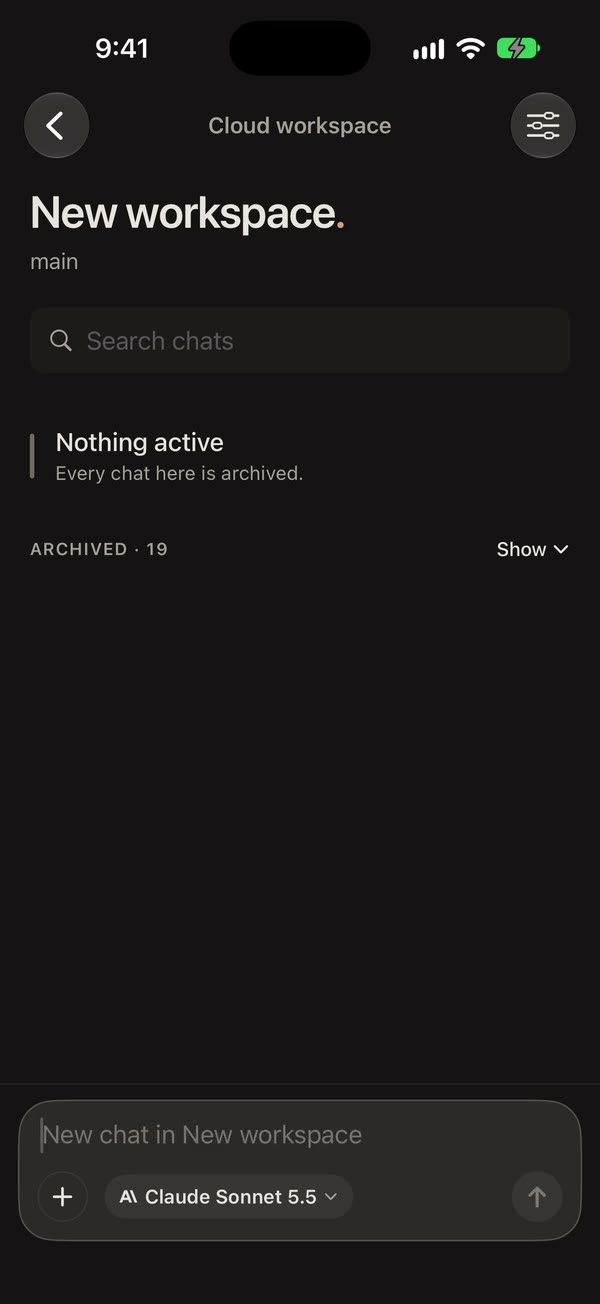
What is Haarness?
An open-source agent that writes, fixes and reviews code with you, in your terminal, your editor, a desktop app or the cloud.
Read the docs- Your ChatGPT or Copilot planSign in with ChatGPT or GitHub Copilot and use the plan you already pay for.
- Any modelClaude, GPT, Gemini, Grok, Mistral, DeepSeek and more, or local models through Ollama and LM Studio.
- Terminal, desktop and editorA fast terminal app, a native desktop app, and your editor through the Agent Client Protocol.
- Agents side by sideRun several chats on the same project at once, each in its own worktree if you like.
- You approve what mattersReview every step, or let a reviewer approve the routine ones. Undo any turn in one step.
- It keeps goingClose the window and the work continues. Pick it up from Desktop, the terminal or your phone.
Use cases
From the first bug to the big migration
- The checkout test has failed since this morning. Find out why and fix it.
- Users say the search page hangs on long queries. Reproduce it and fix it.
- This stack trace comes from production. Find the cause and add a test that catches it.
It asks before anything sensitive, shows every step, and runs on a schedule in the cloud when you need it to.
It is not only for code. See what else people hand it
Marketplace
Teach it your work.Plug in your tools.
Skills, agents, MCP servers, plugins and extensions give Haarness new know-how and new tools. Install one in a click, share it privately with your team, or publish your own.
- Frontend DesignSkillVerified
Pushes web UI away from the generic AI look by planning colours, type and layout before writing production-grade code.
Install - Stripe Integration Best PracticesSkillVerified
Routes Stripe integration choices (Checkout vs PaymentIntents, Connect, Billing, Treasury) to current guidance.
Install - Code ReviewerAgentVerified
Reviews the current diff for bugs and guideline breaks, reporting only high-confidence issues.
Install - GitHubMCP serverVerified
Work with GitHub repos, issues, pull requests, Actions and code security alerts.
Install - LinearMCP serverVerified
Find, create and update Linear issues, projects and comments.
Install - Playwright Browser MCPPluginVerified
Gives the agent a real browser it can steer, so it can check a web page behaves the way it should.
Install
Made something others could use?Publish your own
Plug in the tools you already use. Any MCP server works.
- GitHub
- Linear
- Notion
- Figma
- Jira
- Sentry
- Stripe
- PostgreSQL
- Supabase
- Google Drive
- HubSpot
- Shopify
Any model
Works with the AI you already use
Sign in with your ChatGPT or GitHub Copilot plan, bring your own keys, run models on your own machine — or use one Haarness account for all of them.
- OpenAI
- Anthropic
- Gemini
- xAI
- Mistral
- DeepSeek
- GitHub Copilot
- Groq
- OpenRouter
- Bedrock
- Ollama
- LM Studio
Pricing
Free on your machine.Pay only for what the cloud runs.
Haarness costs nothing on your own computer. A Cloud plan funds three monthly allowances; idle machines stop on their own, and every request settles against a ledger you can read line by line.
- 1,000 credits = $1, at published rates
- Purchased credits never expire
- Overage only when you turn it on
Open source
Open at the core. Hosted when you want it.
The agent, the terminal app, Desktop, the server and the SDKs are Apache 2.0 and free on your computer. Haarness Cloud runs the same code for you, with workspaces that keep going and one account for everything.
Questions
Before you install
- Is Haarness free?
- Yes, on your own computer. The agent, the terminal app and Desktop are open source under Apache 2.0. You pay your model provider as you do today, or nothing with a local model. Haarness Cloud is optional.
- Do I need an API key?
- No. Sign in with your ChatGPT or GitHub Copilot plan, use a model running on your own machine, or add an API key if you have one.
- Will it change my code without asking?
- Inside your project it edits files and runs commands so it can finish the job, and it asks before anything outside it, secrets or spending. Switch to Review to approve every step, and undo any turn in one click.
- Does my code leave my computer?
- Your code and chats stay on your machine. Model requests go to the provider you connect and nowhere else. A daily count of usage, never your code, comes to us unless you turn it off.
- How is it different from other coding agents?
- It is open source end to end, works with the models you already pay for, and keeps every chat on a local server, so the terminal, Desktop, your editor and your phone all share the same work.
- What does it run on?
- macOS, Windows and Linux: a terminal app, a desktop app, your editor through the Agent Client Protocol, and Haarness Cloud when you want it to run somewhere else.
Hand it the next ticket.
Download Haarness for your computer, or start in the cloud from your browser. It is the same agent either way.
curl -fsSL https://haarness.ai/install.sh | shirm https://haarness.ai/install.ps1 | iexcurl -fsSL https://haarness.ai/install.sh | shSend it to your computer
Haarness installs on a Mac, Windows or Linux computer. Get the link by email and open it there.Send it to your computer
Haarness installs on a Mac, Windows or Linux computer. Get the link by email and open it there.Send it to your computer
Haarness installs on a Mac, Windows or Linux computer. Get the link by email and open it there.curl -fsSL https://haarness.ai/install.sh | sh